
Introduction
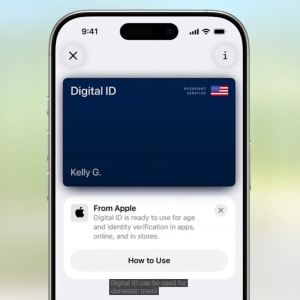
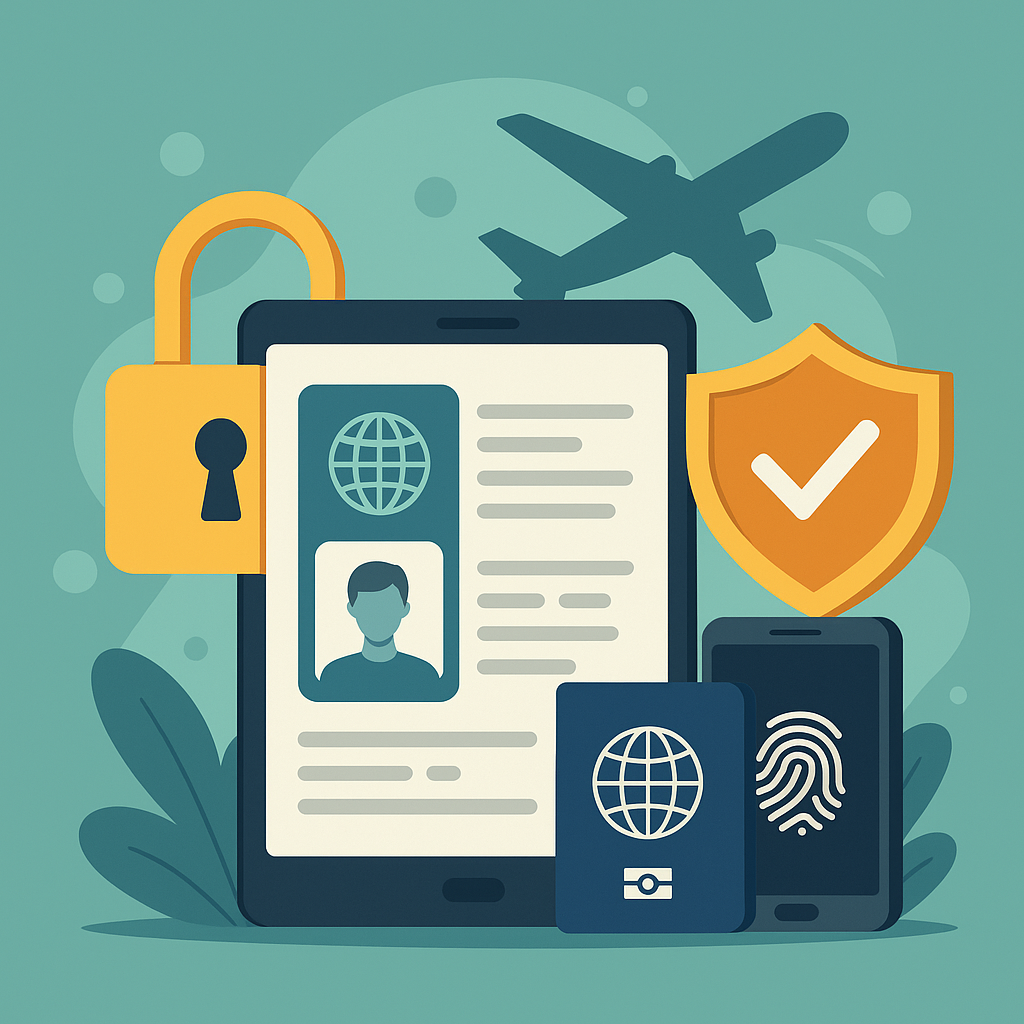
Digital travel document security is now essential for every international traveler. As passports, visas, and boarding passes go digital, protecting these sensitive documents from cyber threats is no longer optional—it’s a necessity. Convenience should not come at the cost of security. This guide will walk you through best practices to ensure your digital travel documents are protected at all times.
The Digital Shift in Travel Documentation
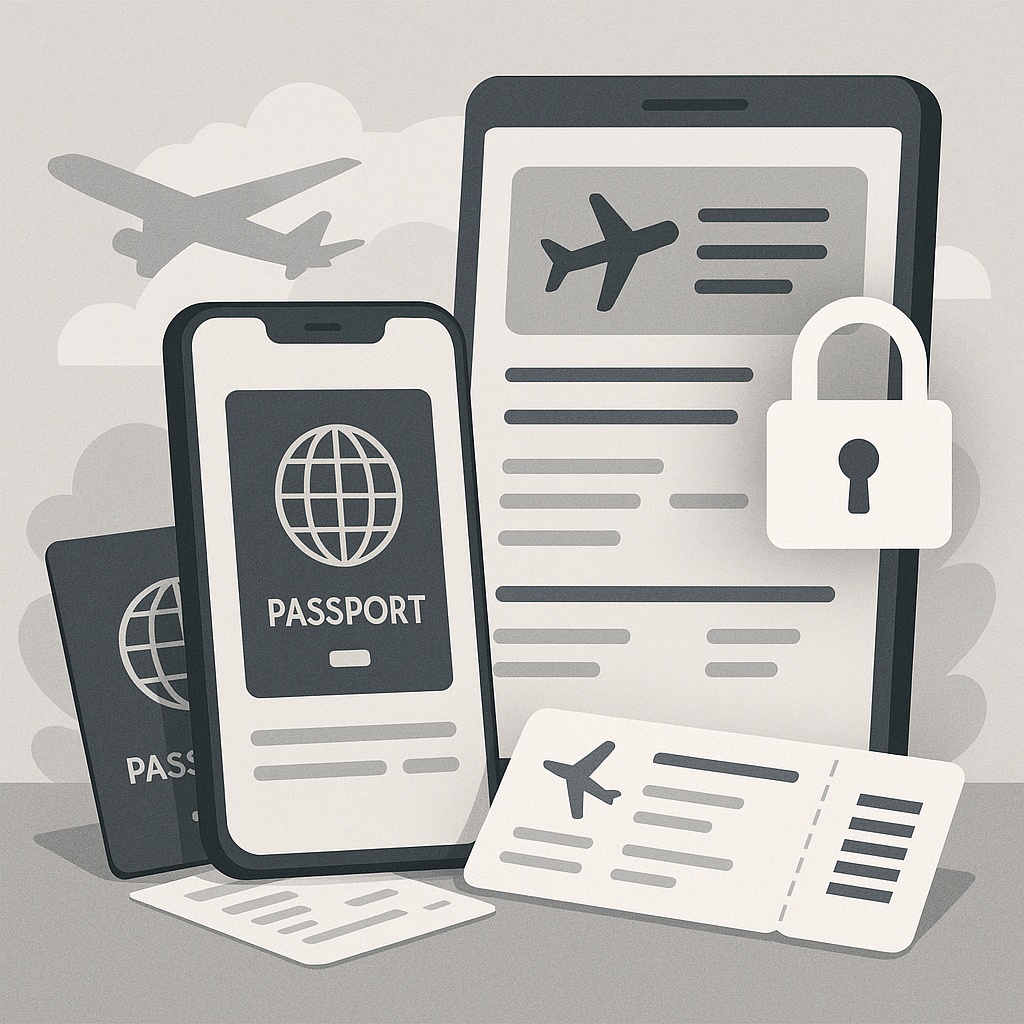
International travel has changed dramatically. Physical documents are rapidly being replaced by digital formats like:
- Electronic visas (e-visas)
- Mobile boarding passes
- Digital health certificates
These technologies improve efficiency and accessibility. However, they also introduce cybersecurity risks. Hackers, scammers, and identity thieves actively target vulnerable digital systems. That means your passport is no longer just a document in your pocket—it’s a digital asset that needs to be protected online.
This shift demands a new set of habits and tools, centered around digital travel document security. As biometric passports and facial recognition become the norm, secure digital storage and access control are vital for travelers.
Core Principles of Digital Travel Document Security
1. End-to-End Encryption
Encryption protects your digital files by converting them into unreadable data unless a user has the correct decryption key. Always use cloud services or apps that provide end-to-end encryption. This ensures only you can view your files—even the service provider cannot access them.
Recommended platforms include:
- Proton Drive
- Tresorit
- Registravel (built for travelers, with auto encryption and expiration alerts)
2. Multi-Factor Authentication (MFA)
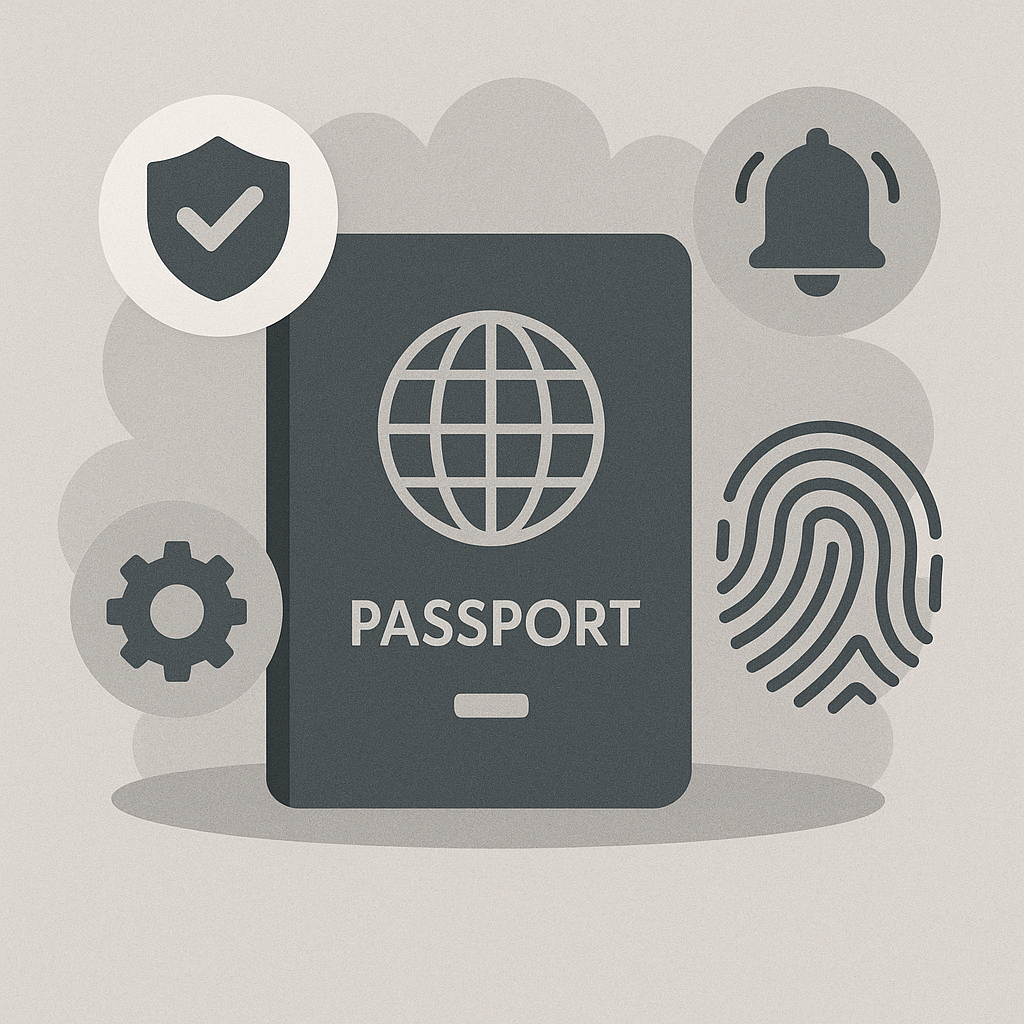
MFA adds a second layer of protection. Even if someone steals your password, they won’t get in without a second verification step like a fingerprint or one-time code. Use tools like Google Authenticator or Authy to enable this on all your accounts.
3. Biometric Security
Biometric features such as fingerprints or facial recognition offer strong identity verification. Many modern digital passports already rely on these methods, making it harder to forge documents or impersonate users.
Secure Digital Travel Document Storage Options
Choosing the right storage method is essential for digital travel document security. Here’s a comparison:
| Feature | Cloud Storage (e.g., Google Drive) | Encrypted USB/Laptop | Registravel Secure Platform |
|---|---|---|---|
| Default Security | Manual configuration needed | Strong if encrypted | Strong by default |
| Offline Access | No | Yes | Yes |
| Data Recovery if Lost | Yes | No | Yes |
| Travel-Specific Features | No | No | Yes (e.g., alerts, expiry) |
Best practice: Use a hybrid strategy—store documents in a secure platform like Registravel and keep an encrypted USB as offline backup.
Common Digital Threats While Traveling
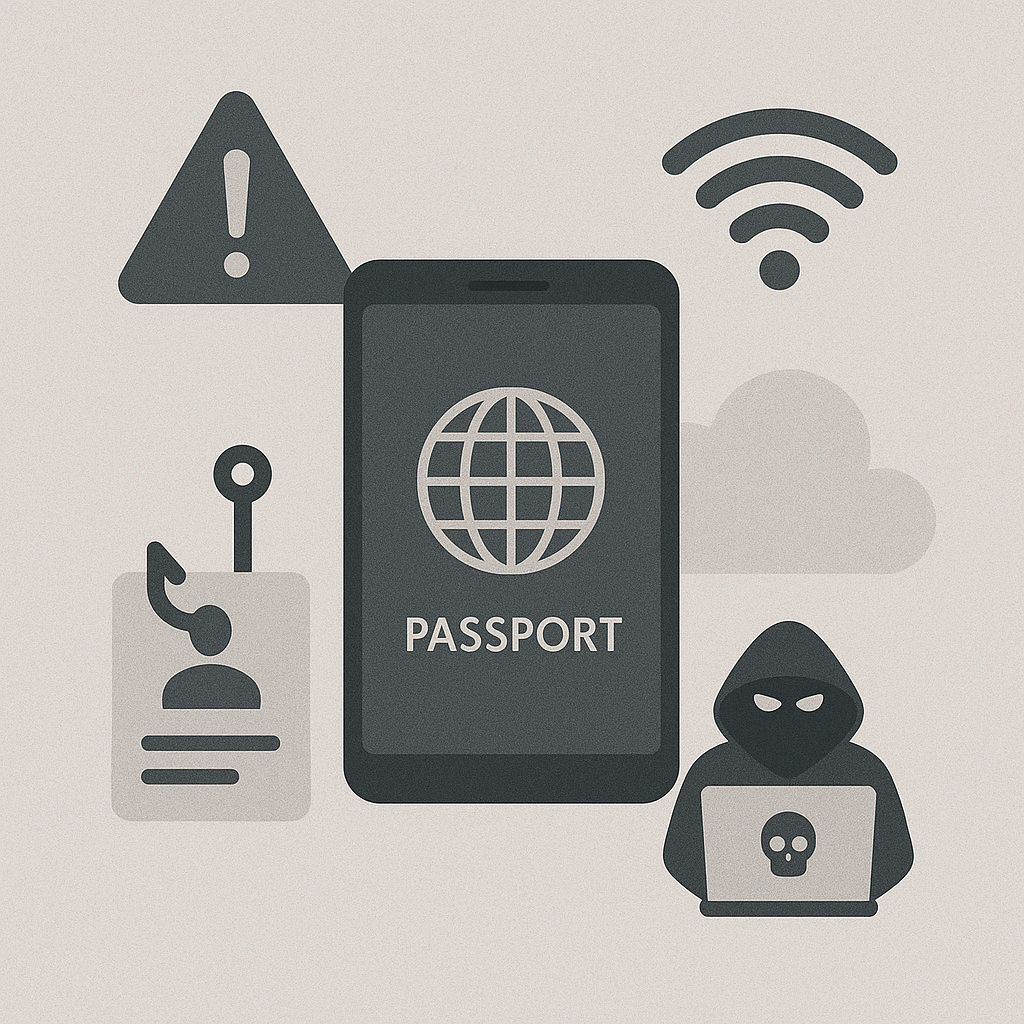
Public Wi-Fi Risks
Free airport Wi-Fi may expose your data to attackers through “man-in-the-middle” attacks. Use a VPN like NordVPN or ExpressVPN to encrypt your internet connection.
Phishing Scams
Travelers often receive fake emails about flight cancellations, hotel bookings, or visa issues. Never click on suspicious links, and always verify email addresses before submitting sensitive information.
Physical Device Theft
Enable full-disk encryption and strong passwords on all devices. Use tools like “Find My Device” or iCloud to remotely wipe your phone or laptop if lost.
USB Charging Risks (Juice Jacking)
Avoid public USB charging stations. Instead, use your personal AC adapter or a USB data blocker that disables data transfer.
Pre-Trip Digital Security Checklist
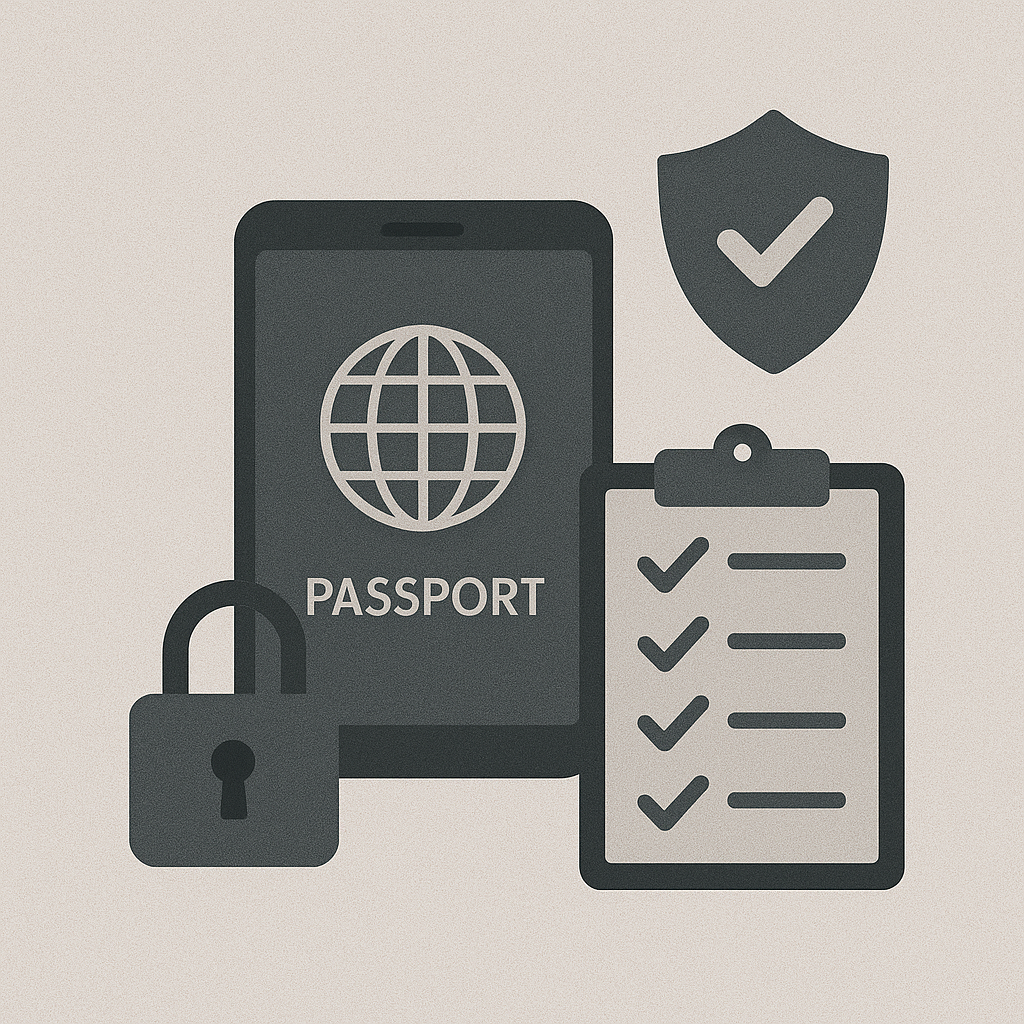
Here’s a quick security checklist before traveling:
- Backup your documents: Use both secure cloud storage and encrypted USB drives.
- Update all software: Ensure your devices and apps are updated with the latest patches.
- Enable MFA and strong passcodes: Secure all apps and accounts before departure.
- Clean your devices: Remove unnecessary files to reduce exposure if lost or compromised.
Final Thoughts
As the travel industry continues to digitize, digital travel document security will only become more important. By adopting these best practices—encryption, MFA, secure storage, and threat awareness—you’ll protect your most valuable digital assets while enjoying your trip stress-free.
Travel smart. Travel secure.
Further Resources and Recommended Links
To enrich your travel experience and reinforce your digital travel security knowledge, explore the following resources:
More articles from the Regis Travel Blog:
- The Castle on the Cliff: Majestic Magic Manoir
Discover the story behind one of the most mysterious and photogenic manors in the travel world. - Top 10 Must-See Places in Jordan with Regis Travel
Plan your itinerary with this curated guide to Jordan’s most unforgettable destinations. - City Spotlight: Philadelphia
Explore the historical and cultural highlights of this iconic American city.
External Links (Trusted Sources)
- U.S. Department of State – Travel
Official passport, visa, and international travel safety information. - NordVPN
A recommended VPN service for securing your connection while traveling. - ExpressVPN
Another trusted VPN provider to protect your data on public Wi-Fi networks.